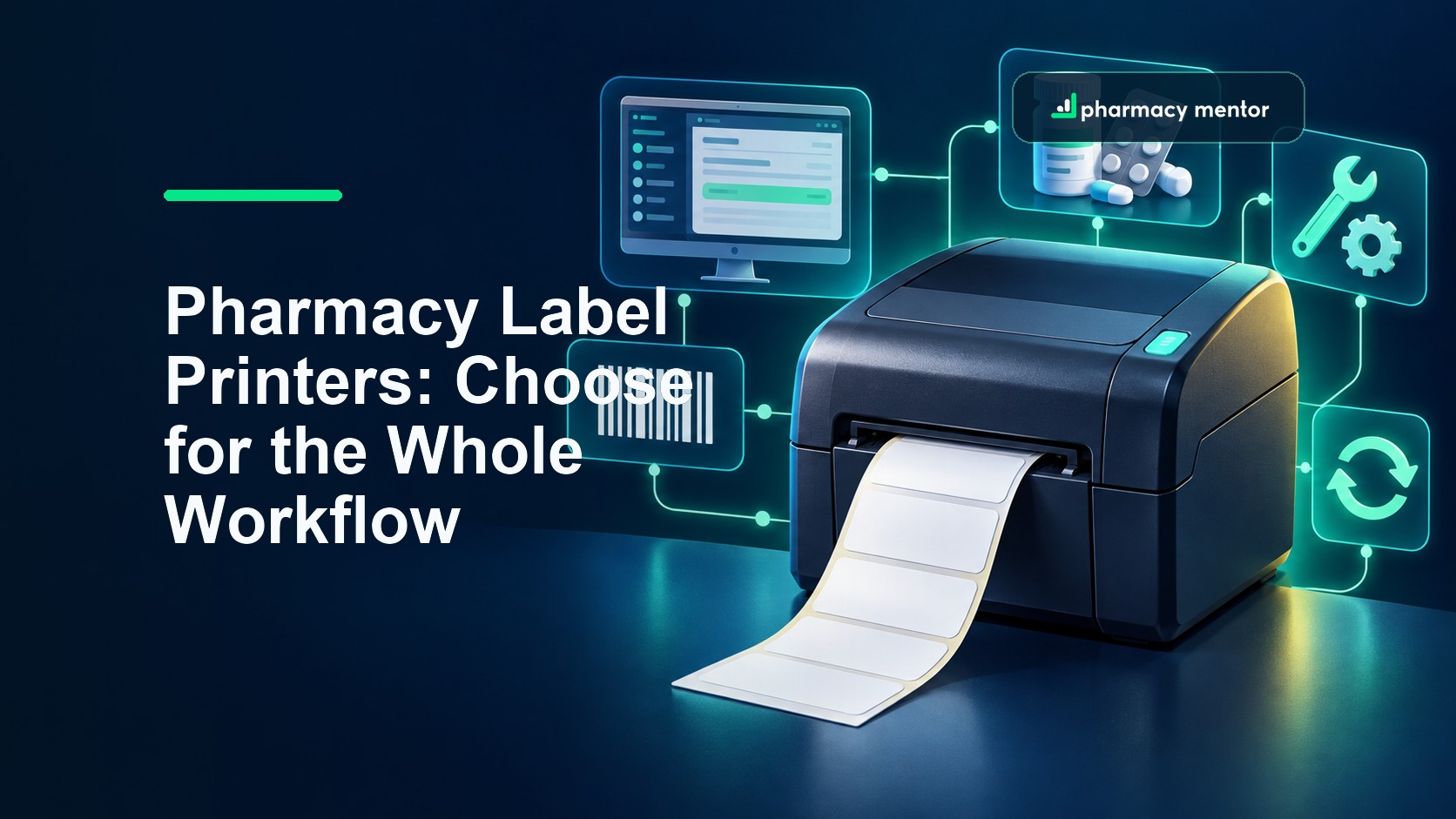
A pharmacy label printer rarely gets attention until it stops. Then a small desktop device can hold up assembly, trigger handwriting, push staff towards an untested spare and expose how many parts of the dispensing workflow were never specified.
The right pharmacy label printer is therefore not simply the model with the lowest price or the fastest headline speed. It is the printer, driver, label stock, template, network connection, support arrangement and recovery process that work together reliably with the pharmacy’s PMR and checking process.
How should a UK pharmacy choose a label printer?
Begin with the approved label output and the PMR systems that must produce it. Confirm media dimensions, print method, resolution, connectivity, driver support, duty cycle and fallback arrangements in writing, then pilot the exact printer and consumables in the real dispensary workflow.
- Specify the complete labelling route before comparing hardware.
- Test small text, barcodes, long directions and repeat printing on production labels.
- Price consumables, support, downtime and replacement alongside the device.
Start with the label outcome, not the printer catalogue
The Human Medicines Regulations 2012 set out particulars that must appear on the packaging of a dispensed medicinal product, including the name of the patient, the name and address of the person who sells or supplies it, the date and directions for use and precautions where applicable. Review the current requirements and professional guidance for the pharmacy’s services rather than treating a hardware purchase as a compliance shortcut.
The current Schedule 25 labelling provisions describe the required outcome; they do not nominate a printer model. The GPhC standards for registered pharmacies also place the responsibility on owners to have safe governance, competent staff, suitable premises and appropriate equipment. Your specification needs to support that wider system.
Collect samples of the difficult outputs before requesting demonstrations: a long medicine name, lengthy directions, cautionary wording, a reprinted label, a small container, a split pack and any service-specific label. Include the exact pharmacy name and address format, not a supplier’s simplified demo text.
Map the pharmacy label printing workflow
Draw the route from prescription entry to final application. It usually crosses more components than expected: PMR, template, workstation, print queue, driver, network or USB connection, printer settings, label roll, application to the pack and the clinical or accuracy check. A fault at any point can look like a printer fault.
| Workflow point | Question to resolve | Evidence to keep |
|---|---|---|
| PMR and template | Which printer languages, drivers, resolutions and label sizes are supported? | Supplier compatibility statement, approved template and test output |
| Connection | Will the printer use USB, Ethernet, Wi-Fi, Bluetooth or a managed print server? | Network design, device record and recovery instructions |
| Media | What width, length, core, gap, perforation, adhesive and thermal coating are required? | Exact approved media specification and supplier reference |
| Operation | Who loads rolls, clears queues, cleans the device and recognises poor output? | Short SOP, training record and fault checklist |
| Continuity | What happens if the device, workstation, connection or supplier fails? | Tested spare route, support contact and escalation owner |
If the PMR vendor supports only named models or driver versions, treat that as a constraint before shopping. Our pharmacy PMR systems guide explains why integration, data access and support should be assessed as part of one operating model rather than as isolated products.
Direct thermal or thermal transfer?
Direct thermal printers create the image by heating coated label stock. They do not need a ribbon, which can make the setup simpler and reduce one consumable. The printed surface can be affected by heat, light, friction or some chemicals, so the pharmacy must confirm that the approved stock remains legible for its intended use and handling.
Thermal transfer printers heat a ribbon to place an image on the label. The combination can support durable output across a wider range of materials, but it adds ribbon selection, loading, stock control and waste to the workflow. Neither method is universally better. Ask the PMR provider, printer supplier and label converter to stand behind the complete combination you intend to use.
A model may support both methods. That flexibility is useful only if settings and consumables remain controlled. Label a mixed fleet clearly and prevent a well-intentioned substitution from changing print quality or dimensions without testing.
Compare resolution, speed and connectivity in context
Print resolution is commonly expressed in dots per inch. Higher resolution can sharpen small characters and compact barcodes, but the PMR template, font rendering and media also influence the result. Print several realistic samples at the chosen resolution and ask the checking team to assess them under everyday lighting.
Speed needs similar discipline. A faster rated device may not reduce end-to-end dispensing time if it pauses between jobs, receives data slowly, feeds labels awkwardly or creates more reprints. Measure a representative batch from confirmation in the PMR to a correctly applied label, then include roll changes and a cold start.
As one current manufacturer example, Zebra’s ZD421 specification lists direct-thermal and thermal-transfer variants, 203 and 300 dpi options and several connectivity choices. That is not an endorsement. It shows why a model name alone is incomplete: the precise variant, fitted options, firmware, driver and media handling need to be recorded.
Control the label stock as tightly as the device
“Pharmacy labels” is not a complete consumables specification. Record the roll width and length, core diameter, labels per roll, gap or black-mark arrangement, orientation, perforation, face material, adhesive, thermal coating and storage conditions. Confirm compatibility with the chosen printer and any dispenser or cutter.
There is no single statutory UK dispensing-label size that fits every PMR and pack. Common supplier sizes do not remove the need to test the exact template and container. A label that prints correctly but covers important manufacturer information, lifts from a small bottle or wraps over itself is an operational failure.
Keep approved stock references in purchasing controls. If the usual product becomes unavailable, test the substitute before routine use. Cheap rolls can become expensive through jams, fading, adhesive failure, dust, wasted staff time or unreliable scanning.
Design for faults, maintenance and support
Ask the team what happened during the last printing failure. The answer will reveal whether recovery depends on one person, an undocumented setting or a spare that has never been connected. Build a short fault tree covering power, media, queue, connection, driver, workstation, PMR and hardware.
- Keep cleaning and preventive-maintenance instructions beside the device record.
- Record the supported driver and configuration rather than downloading whatever appears first.
- Test the spare route after meaningful PMR, operating-system, driver or network changes.
- Agree support hours, response expectations, replacement logistics and what evidence the supplier needs.
- Hold enough approved consumables to cover a credible interruption without uncontrolled overstock.
For online or high-volume operations, model failure at peak demand rather than on a quiet afternoon. Our online pharmacy software guide covers the broader integration and support questions when orders, prescribing, PMR and fulfilment depend on one another.
Secure networked printers and their administration
A network printer is an endpoint, not invisible stationery. Change default administrative credentials, restrict management access, apply supported firmware, disable unused services and include the device in asset and patch records. Decide who can change templates, queues and settings, and how changes are approved.
Do not expose printer administration to the public internet. If the fleet is centrally managed, use least privilege and protect administrative accounts. The practical controls in our pharmacy cybersecurity guide can be applied to printers, workstations and the services that connect them.
Calculate total cost, not purchase price
Build a three- or five-year comparison using the expected print volume. Include hardware, options, warranty, labels, ribbons, delivery, cleaning kits, print heads where relevant, support, spare devices, installation, network work, PMR configuration, staff time, failed media and downtime.
Score suppliers against mandatory requirements before price. A simple weighted comparison might cover proven PMR compatibility, output quality, support, continuity, consumables availability, security, ergonomics and total cost. Separate a confirmed requirement from a desirable feature so a polished demonstration does not conceal a critical gap.
Pilot the exact pharmacy label printer setup
Use the real model, variant, connection, driver, workstation image, PMR version and label stock. Test normal and difficult outputs, repeated jobs, reprints, queue recovery, roll changes, power cycles and the spare route. Scan any operational barcodes with the intended devices and check labels on the smallest and most awkward containers.
Define acceptance before the pilot. Evidence might include correct field placement, legibility, adhesion, no unexplained queue delay, successful recovery, trained users and a documented support path. Keep the approved configuration with the purchasing record so a replacement is not accepted merely because its casing looks the same.
Turn the shortlist into a controlled decision
Give each shortlisted supplier the same workflow, samples and questions. Ask them to state assumptions and exclusions, identify dependencies on another provider and confirm the precise products quoted. Speak to the PMR supplier before purchase, and agree who owns configuration and support when two vendors are involved.
Pharmacy Mentor can help owners map the wider technology and operating decisions around growth, online services and digital infrastructure. Explore our pharmacy business strategy support or book a conversation with the team.

Saam Ali
Founder & CEO, Pharmacy Mentor · MRPharmSSaam Ali is a pharmacist, digital strategist and the founder of Pharmacy Mentor. He has worked across community pharmacy, healthcare marketing and digital product development since 2012, helping independent pharmacies build modern online services and reach more patients.